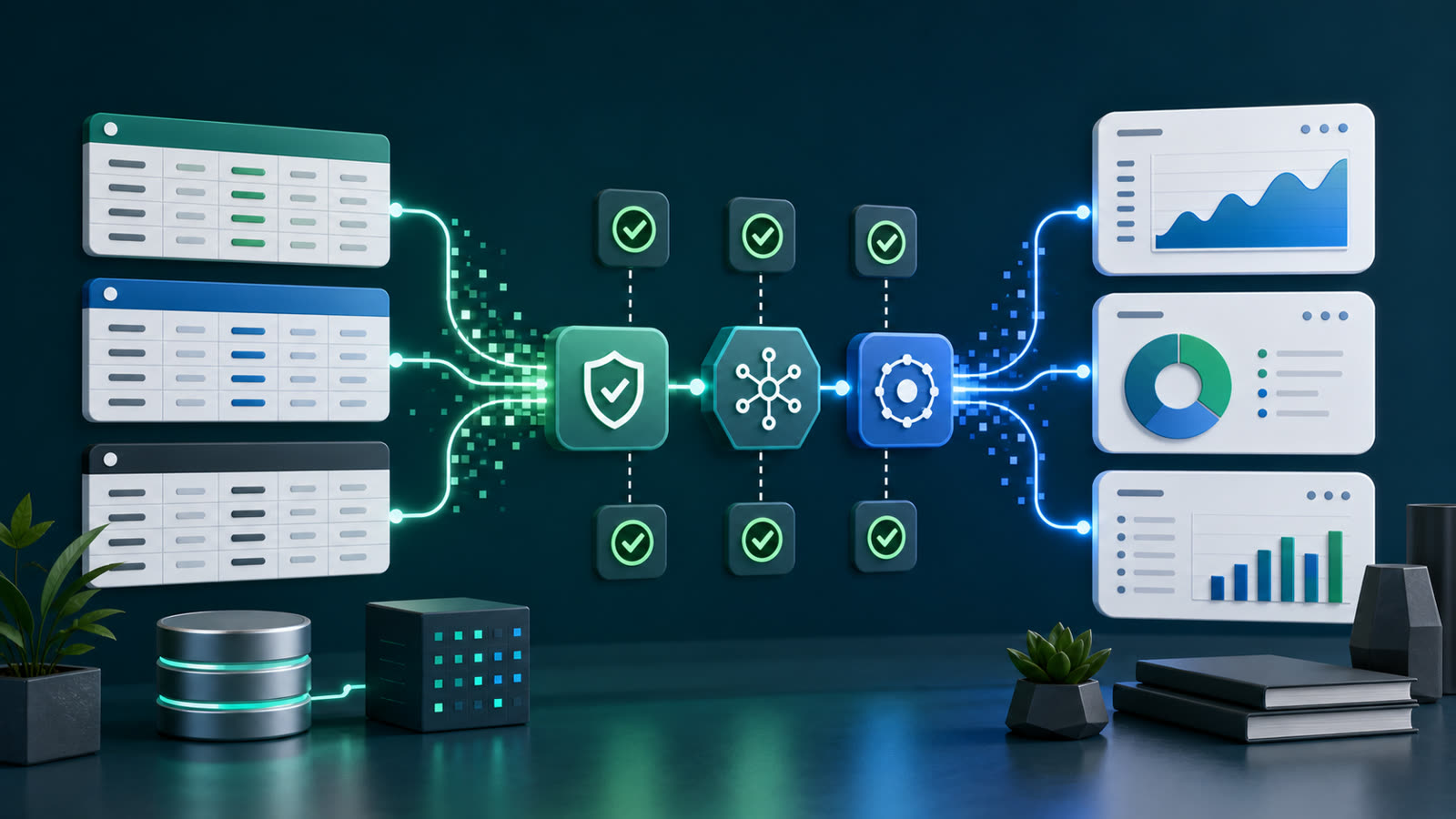
AI output depends on what the system can actually see
AI projects often begin with a prompt, but useful business implementations usually depend on something less glamorous: reliable access to the right data. If an assistant cannot see the current customer record, ticket history, order status, project notes, or policy document, it has to guess or ask a person to paste context manually.
That is why good APIs and clean data still matter. They determine whether an AI workflow can work with real business systems or only operate as a disconnected writing tool. Prompts shape behavior, but integrations shape usefulness.
Clean data reduces rework
Clean data does not mean perfect data. It means the business has enough consistency for the workflow to make dependable use of it. Names are stored in predictable fields. Status values mean the same thing across teams. Duplicate records are controlled. Required information is present before a request moves forward.
When data is messy, AI may still produce a confident answer, but the team has to spend time checking whether the answer is based on the right facts. That rework can erase the productivity gain. A practical AI project should include basic data-quality checks early, especially for workflows tied to customers, billing, support, scheduling, or operations.
APIs create maintainable connections
An API gives software a defined way to read or update information. For AI projects, APIs often connect an assistant to CRM platforms, help desks, project management tools, forms, inventory systems, calendars, document stores, and custom databases.
Without APIs, teams fall back to copying and pasting between tools. That may work for a demo, but it is fragile in daily operations. A maintainable integration should use documented endpoints, scoped permissions, clear error handling, and logging that helps the team understand what happened when something fails.
Permissions should be designed on purpose
AI workflows should not automatically receive broad access to every system. The better pattern is to grant the smallest access needed for the job. A workflow that summarizes support tickets may need read access to tickets, but it may not need permission to change billing records. A workflow that drafts follow-up emails may need customer context, but it may not need permission to send messages without approval.
These boundaries protect the business and make review easier. They also make it clearer who owns the workflow, what it is allowed to do, and what should happen when the output needs human approval.
Good integrations make review easier
Human review is more useful when the reviewer can see where the answer came from. If an AI assistant summarizes a customer issue, the draft should link back to the source ticket or record. If it prepares a project update, the reviewer should know which tasks, notes, and dates were used.
This kind of traceability is hard to create when data is pasted manually from unknown sources. It is much easier when systems are connected through stable integrations and the workflow records which inputs were used. That does not require a large enterprise architecture. It requires a practical habit: make important inputs explicit.
Poor data turns automation into exception handling
Many automation projects struggle because the happy path is easy but the exceptions are everywhere. Missing email addresses, inconsistent statuses, old records, duplicate accounts, and unclear ownership all create uncertainty. AI can help identify some of those problems, but it should not be expected to quietly work around every gap.
Before expanding an AI workflow, review the exceptions it encounters. If the same data problem appears repeatedly, fix the source system or add a validation step. That improvement will help more than rewriting the prompt again and again.
Start with a small integration surface
A first AI integration does not need to connect every system. Choose one source of truth for the workflow and one output destination. For example, a support triage assistant might read new tickets and write an internal draft summary. A sales intake assistant might read a form submission and create a review-ready CRM note.
AI projects are still software projects
The visible part of an AI project may be the assistant, but the durable value comes from software fundamentals: reliable data, maintainable APIs, secure permissions, useful logging, and thoughtful review steps. Those basics are not extra polish. They are what make the workflow safe enough to use repeatedly.
Next step
If an AI project is producing inconsistent results, look at the inputs before blaming the model. Clean up the data that matters, define the system boundaries, and connect tools through stable APIs where possible. Contact Code Etcetera to discuss where AI assistants could remove friction from your workflow.