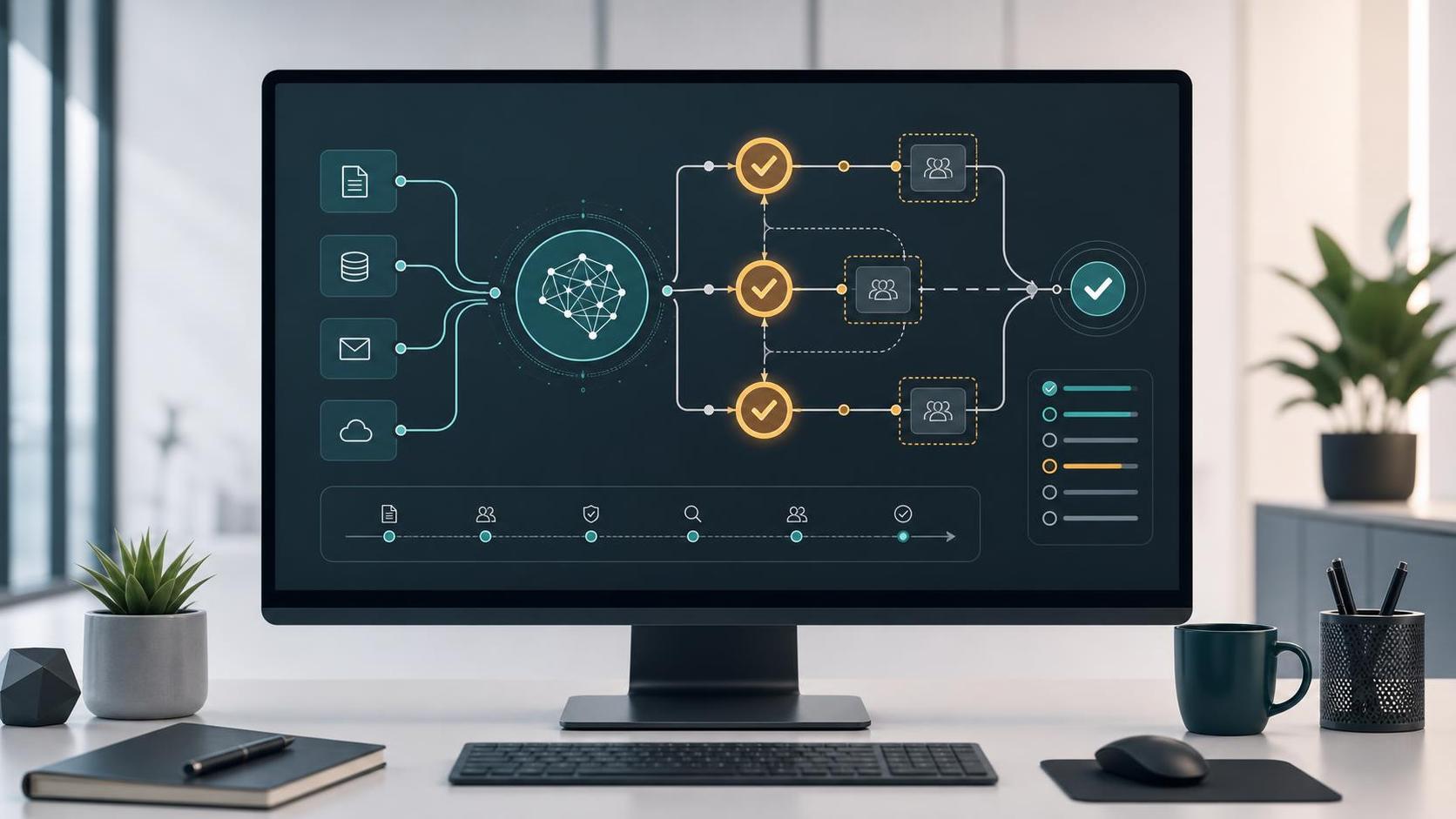

Review is part of the workflow, not a cleanup step
AI assistants can help teams summarize requests, draft responses, classify records, and prepare next steps. Those outputs are useful because they reduce blank-page work and help people move faster. They also need review in the right places. If review is treated as a vague instruction at the end, the team may still be left guessing what to check, what to approve, and what happens after a decision.
A practical AI workflow should make review a designed step. The reviewer should know why the assistant produced the output, which source information was used, what action is being proposed, and what risk comes with approving it. That structure turns review from a bottleneck into a control point.
Start by classifying the risk of the action
Not every AI-assisted task needs the same level of attention. A draft meeting summary, internal tag suggestion, or first-pass outline can usually move through a lighter review path. The output is still checked, but the consequence of a mistake is limited.
Higher-risk actions need stronger gates. Customer-facing messages, billing updates, permission changes, record deletions, publishing content, and production system changes should not be quietly approved just because an assistant generated them confidently. These workflows need explicit review, clear acceptance criteria, and a reliable way to stop the action when something looks off.
Keep source context next to the recommendation
Reviewers should not have to hunt for the information behind an AI recommendation. If an assistant summarizes a support request, the review screen should link back to the source ticket. If it drafts a customer response, it should show the customer record, relevant notes, and any policy or project context that shaped the draft.
This is where integrations matter. A review workflow is stronger when it can pull structured context from the systems the business already uses. That may include a CRM, help desk, form tool, project tracker, document store, scheduling system, or custom database. The goal is not to expose everything. The goal is to show the smallest useful context so the reviewer can make a good decision quickly.
Define the reviewer decision before building the automation
A review step should ask for a specific decision. Approve, revise, reject, escalate, or request more information are easier to act on than a generic “review this.” The downstream automation should know what each decision means.
For example, approving a draft customer reply might send it to a queue for final sending. Requesting revision might return the task to the assistant with reviewer notes. Escalating might notify a manager or specialist. Rejecting might close the recommendation while preserving a record of why it was not used. When the decisions are clear, the workflow is easier to test and easier for the team to trust.
Use exception flags instead of asking humans to catch everything
Reviewers should not be expected to notice every possible issue from scratch. The workflow can help by flagging exceptions. Useful flags might include missing source data, conflicting record values, unusually low confidence, sensitive keywords, customer impact, financial impact, or actions that would update a critical system.
These flags do not need to be complicated at first. A few deterministic checks around missing fields, high-risk categories, and permission-sensitive actions can improve the review experience immediately. AI can also help explain why something looks unusual, but the system should keep the final decision visible and accountable.
Log enough to troubleshoot later
AI workflow logs should answer practical questions. What input was used? What did the assistant recommend? Who reviewed it? What decision was made? What changed after approval? Was anything sent, published, updated, or escalated?
That does not mean storing sensitive data everywhere. Logs should be designed with privacy and retention in mind. In many workflows, it is enough to store record IDs, timestamps, action types, reviewer decisions, and non-secret summaries. The important part is that the team can reconstruct what happened without guessing.
Start with a small reviewable workflow
The safest first AI workflow is usually one where the assistant prepares work and a person approves the next step. A support triage assistant can summarize and categorize incoming requests. A sales intake assistant can draft CRM notes from form submissions. An operations assistant can prepare a checklist from a project update. In each case, the assistant reduces friction without taking irreversible action on its own.
Once the team trusts the pattern, some low-risk actions can become more automatic. Routine tagging, internal routing, or draft creation may need only spot checks. Higher-risk actions can keep explicit approval. This staged approach gives the business a way to gain value without pretending every workflow deserves full automation on day one.
Next step
Before adding AI to a workflow, map the current process and mark the points where a wrong action would matter. Then decide what context the reviewer needs, what decisions they can make, and what should happen after each decision. Contact Code Etcetera to review whether your current systems are ready for practical automation.