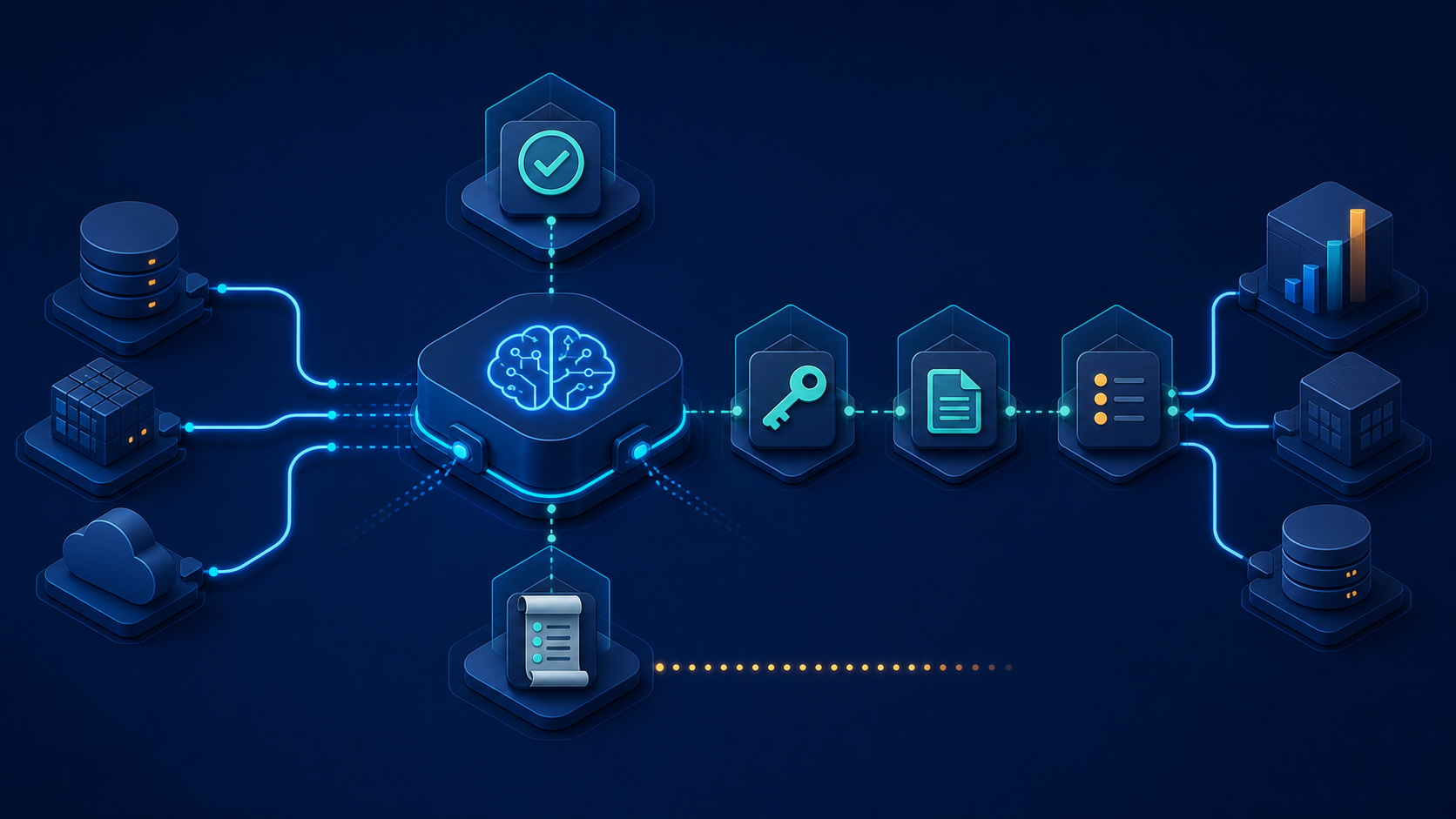

Start with a defined job, not a general-purpose assistant
AI can be useful in business operations when it has a clear job. It might summarize a support request, prepare a first draft from a form submission, sort incoming documents, or flag records that need attention. Problems begin when an assistant is given a vague instruction such as “handle operations” along with broad access to business systems.
A practical guardrail starts by defining the workflow in plain language: what information comes in, what the assistant may do, what it must not do, and who owns the final decision. That makes the workflow easier to test and easier for the team to trust.
Keep the scope small enough to review
A first AI workflow does not need to connect every tool in the company. Choose one useful input and one bounded output. For example, an assistant might read a new service request and prepare an internal summary for a coordinator. It does not need permission to update customer records, approve pricing, or send a message on its own.
Small scope is not a limitation. It makes it possible to see whether the workflow saves time, where it fails, and what information is missing. Once that pattern is reliable, the team can decide whether an additional step is worth adding.
Grant only the access the task needs
Permissions are one of the most important guardrails. An AI workflow should receive the smallest amount of access needed to complete its job. If it only needs to summarize tickets, give it access to the relevant ticket fields rather than an unrestricted connection to every customer system.
Using scoped access also limits the impact of mistakes. A workflow that can prepare a draft but cannot send it creates a natural review point. A workflow that can read a project status but cannot change a financial record keeps a sensible boundary between assistance and authority.
Keep source context visible
People reviewing AI output need to know where it came from. If an assistant produces a project summary, include links or references to the tasks, notes, and dates used. If it categorizes a request, preserve the original request alongside the suggested category.
This source context helps a reviewer check the result quickly instead of treating the output as an unexplained answer. It also helps when the workflow needs improvement: the team can see whether the issue came from incomplete source data, unclear instructions, or an edge case the process did not account for.
Match review to the risk of the decision
Not every AI-assisted task needs the same approval process. A draft internal summary may only need a quick spot check. A customer-facing message, a change to a system of record, or anything involving payments, contracts, or sensitive information deserves a deliberate human decision before the action is taken.
Define what the reviewer is deciding. Is the response accurate? Is the information complete? Is it appropriate to send? Clear choices are better than a generic instruction to “review the AI.” They make the handoff faster and create a consistent standard for the team.
Design for exceptions instead of hiding them
Business processes have incomplete forms, duplicate records, unusual requests, and changing priorities. An AI workflow should have a safe path for those exceptions. It can flag missing information, route a case to a person, or create a review task rather than guessing silently.
When the same exception appears repeatedly, treat it as useful feedback. The solution may be a better intake form, a clearer status definition, a data cleanup step, or a narrowly designed integration. Reworking the prompt alone will not fix a process that starts with unreliable inputs.
Record actions that matter
Useful logging does not require collecting every detail forever. It means recording the important events: which workflow ran, which source records it used, what it proposed or changed, whether a person approved it, and whether an error occurred. Those records help the team troubleshoot issues and understand how the workflow behaves over time.
Logs should be designed with privacy in mind. Keep only the information needed for operations and avoid copying sensitive data into unnecessary tools or notifications.
Test before expanding
Run a new workflow on a limited set of real examples before relying on it every day. Compare its drafts or recommendations with the team’s existing process. Look for missed context, unclear output, and places where reviewers need more information. Then adjust one part at a time.
The goal is not to make an AI assistant appear autonomous. The goal is to make a business process more dependable, easier to review, and less repetitive for the people responsible for it.
Next step
Choose one recurring task where the team already has a clear input, a clear owner, and a reviewable outcome. Define the access, approval, and exception rules before adding automation. Contact Code Etcetera to discuss where AI assistants could remove friction from your workflow.