
A software project often begins with a reasonable request: replace a spreadsheet, connect two systems, give customers a portal, or reduce a repetitive handoff. The request may be clear enough to start a conversation, but it is rarely detailed enough to start building safely.
Discovery is the work of turning that starting point into decisions a team can act on. It is not a ceremony designed to delay development. Done well, it helps a business decide what problem is worth solving first, what information the software needs, who will use it, and what needs to happen when the normal path breaks.
Discovery makes the real workflow visible
People naturally describe the intended process: a request arrives, someone reviews it, and a result is recorded. The useful details are usually in the exceptions. What happens when a required field is missing? Which team owns an approval? Where is the current source of truth? Does someone re-enter the same information into a CRM, accounting system, and email thread?
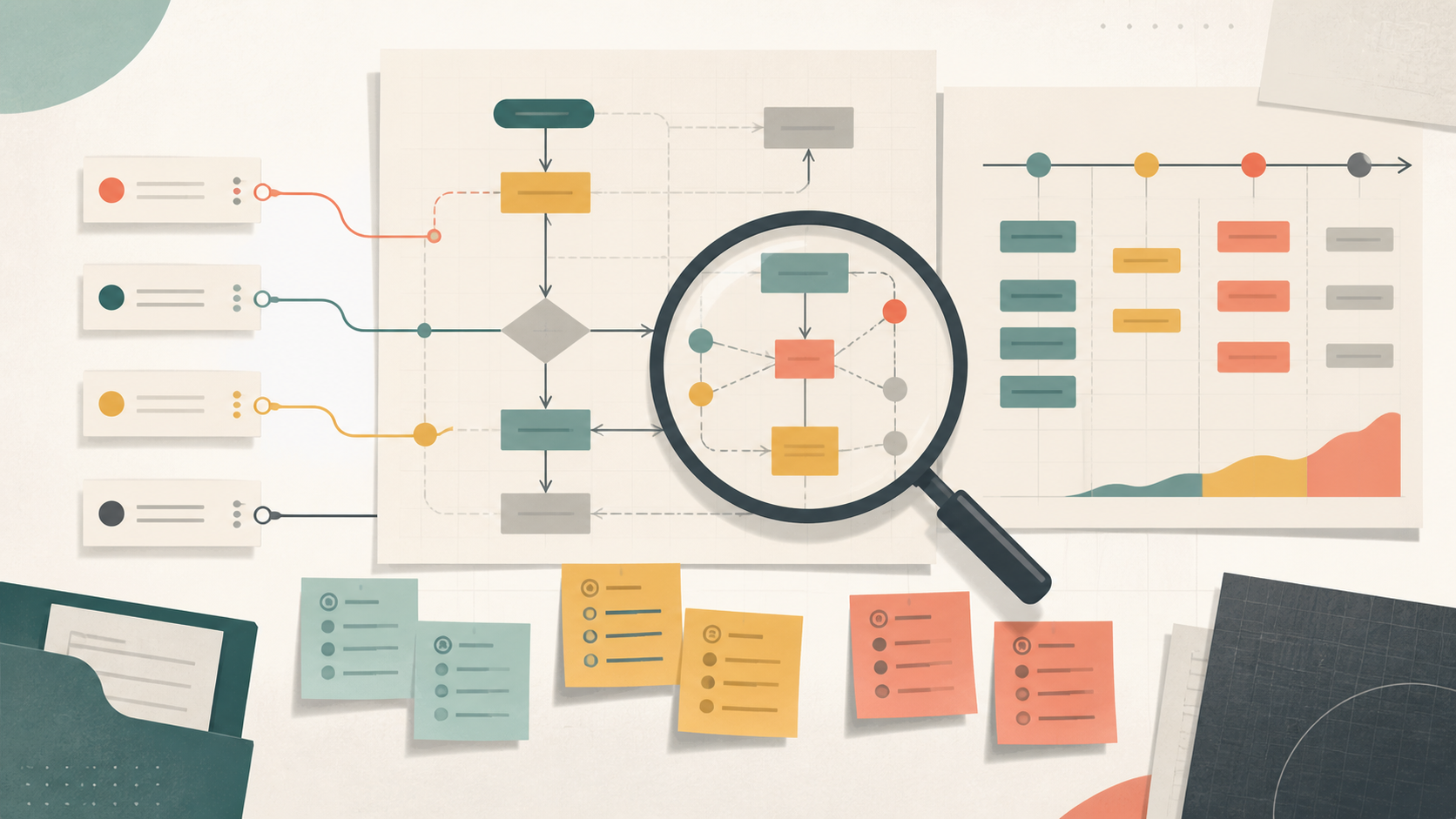
A discovery conversation maps the workflow as it operates today, including manual steps, workarounds, wait time, and decisions. That map gives everyone a shared reference. It also prevents a new application from simply making an old, confusing process run faster.
It separates outcomes from requested features
Early requests often arrive as features: “we need a dashboard” or “we need an app.” Those may be good solutions, but they are not the outcome. A better starting question is what needs to become easier, more reliable, or more visible.
For example, a team asking for a dashboard may actually need to spot stalled customer requests before they become support issues. Once that outcome is clear, the first release may need status definitions, dependable data, and notification rules before it needs elaborate reporting. Discovery gives the team room to test assumptions before a feature list hardens into scope.
It identifies users, decisions, and ownership
Business software usually serves more than one person. A coordinator may enter a request, a manager may approve it, and an operations team may need to resolve exceptions. Each role needs different information and permissions.
Discovery identifies the people involved, the decisions they make, and who owns each step after launch. This improves UX because screens can support a specific task instead of trying to show everything to everyone. It also helps establish practical access controls and makes support expectations clearer.
It surfaces integration and data constraints early
A new tool rarely stands alone. It may need customer details from a CRM, inventory from an operations system, documents from a shared drive, or status updates sent to another team. These connections are where projects can become more complex than the initial interface suggests.
Before development begins, discovery should identify the systems involved, which system owns each important record, how information will move, and what should happen if an integration is unavailable. It is equally important to understand data quality. If the current records use inconsistent names, missing identifiers, or duplicate entries, a polished new interface will still inherit those problems.
It creates a useful first-release boundary
Discovery does not require documenting every future possibility. Its job is to distinguish what is necessary for an initial, usable release from what can wait. A first release should solve a coherent problem for a defined group of users, with a clear way to measure whether it helped.
Prioritization works best when it considers operational risk as well as visible value. A small feature that validates key information or preserves an approval history may be more important than a visually impressive enhancement. Listing assumptions and deferred ideas also protects the team from treating every conversation as an immediate commitment.
It gives development a decision record
Requirements will change as a team learns more. The goal is not to freeze every decision. Instead, discovery records why the team chose a scope, workflow, integration approach, or priority. That record makes later changes easier to evaluate: does the new request support the agreed outcome, replace an assumption, or create a separate need?
A practical discovery output may include a workflow map, a short description of users and responsibilities, an inventory of systems and data, a prioritized first-release scope, risks and open questions, and a development roadmap. The format can be simple. What matters is that the people responsible for the business and the build can review it together.
Start small, but start informed
Discovery should be proportionate to the project. A focused improvement may need a few working sessions and a concise brief. A platform that connects several departments or sensitive systems deserves deeper analysis. In both cases, the work reduces the chance of building quickly in the wrong direction.
Before approving a build, ask whether the team can explain the current workflow, the desired outcome, the users involved, the source of important data, and what belongs in the first release. If those answers are still uncertain, discovery is the next useful step.
Next step: Schedule a short consultation to identify the next useful improvement.