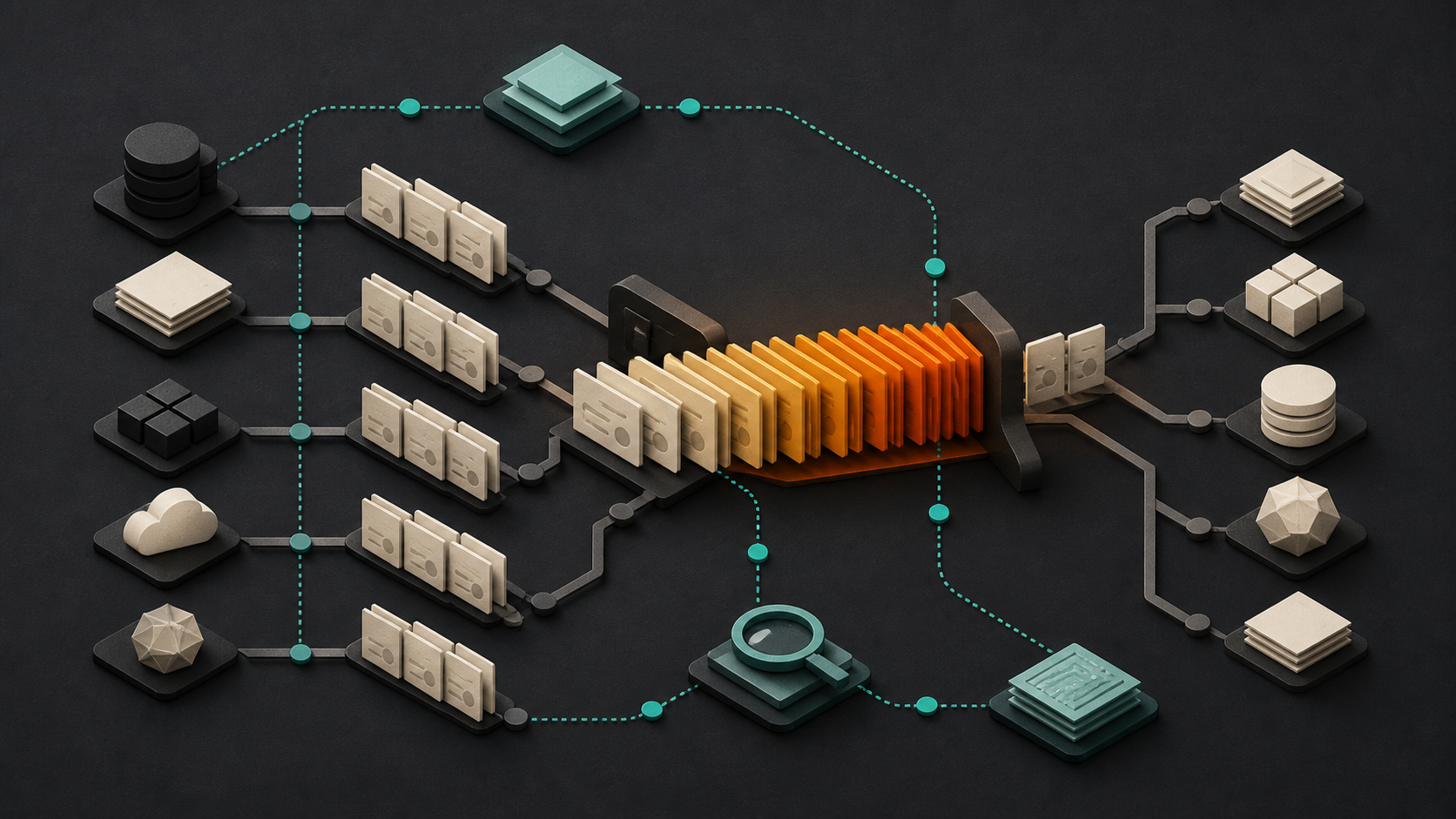
Most workflow bottlenecks do not arrive as a single obvious failure. They show up as a customer waiting for a reply, a request that has to be checked twice, or a team member maintaining a private spreadsheet because the main system does not show the full picture. People often work around these issues so well that the underlying pattern stays hidden.
AI can be useful for surfacing those patterns. It can help organize notes, group similar exceptions, summarize handoffs, and point out where work repeatedly waits or returns for correction. That is different from handing an important process to an assistant and hoping for the best. The goal is to make the current workflow easier to see, then decide deliberately what should change.
Repeated questions often signal missing information
A process may be slow because staff repeatedly ask the same clarifying questions: Which service does the customer need? Is a form complete? Has approval been received? Does this request already have an owner? Those questions are useful evidence. They can mean that the intake form, instructions, or data model does not capture the information needed for the next step.
An AI assistant can review a set of de-identified support notes or intake records and group recurring missing details. A team can then validate the findings and decide whether a clearer form field, a better confirmation message, or a simple checklist would reduce the back-and-forth. The assistant identifies a pattern; people decide whether the pattern is meaningful and what a safe response looks like.
Queues reveal where work waits
Many bottlenecks are queues rather than tasks. A request may be completed quickly once someone begins it, but it can sit for days because no one knows who should pick it up. This is common when work moves between sales, operations, customer service, and technical teams.
Start with a small set of real examples. Record when the work entered the process, when it changed hands, when it was completed, and why it paused. An AI assistant can turn those records into a timeline and summarize common pause reasons. It may reveal that the delay is concentrated at one review stage, that requests arrive without required context, or that two teams both assume the other team owns the next action.
Do not treat the summary as a verdict. Compare it with the experience of the people doing the work. A queue may be appropriate when it protects quality, privacy, or customer expectations. The useful question is whether the wait is intentional, visible, and supported by a clear owner.
Rework points to an unclear handoff
Rework is another strong signal. A proposal is returned because the scope is incomplete. A customer record is corrected after it reaches the wrong system. A report is rebuilt because the same information was entered in several places. These are not always individual mistakes. They can indicate that a handoff lacks a shared definition of complete.
AI can help compare versions of a document, classify common correction reasons, or summarize the fields that are frequently changed after submission. Use that information to examine the handoff itself. Define what must be present, who can approve exceptions, and which system is the source of truth. In some cases, a better template or validation rule is enough. In others, an API integration or focused custom workflow may be justified.
Manual status chasing hides the real process
When people need to ask for updates in email or chat, the process is usually carrying important state outside the system that is supposed to manage it. A team may be copying status updates between a CRM, a project board, and a spreadsheet simply to answer a customer question. That creates a lag between what happened and what everyone can see.
An assistant can summarize status messages and identify the most common reasons people ask for updates. But it should not become an unreviewed source of truth. First decide where authoritative status belongs and who is responsible for maintaining it. Then consider improvements such as clearer stages, automatic notifications from the owning system, or a narrowly scoped integration that reduces duplicate entry.
Use AI to investigate before you automate
A practical first step is to choose one recurring workflow and collect a modest amount of evidence: examples of delays, exception notes, handoff timestamps, and the questions people repeatedly ask. Remove unnecessary personal or confidential information before using any AI tool. Ask the assistant to group themes, propose a process map, and identify questions that need human review.
Then hold a short review with the people closest to the work. Confirm the bottleneck, name the desired outcome, and list constraints such as required approvals, data access, current systems, and support ownership. A small improvement might be a clearer form or review checklist. A larger opportunity might need a dependable integration, better monitoring, or a custom application workflow.
AI is most helpful when it makes operational friction visible without pretending that every delay should disappear. The best result is a process that has clearer ownership, fewer avoidable handoffs, and enough human review to handle the cases that do not fit the usual path.
Next step: Contact Code Etcetera to discuss where AI assistants could remove friction from your workflow.