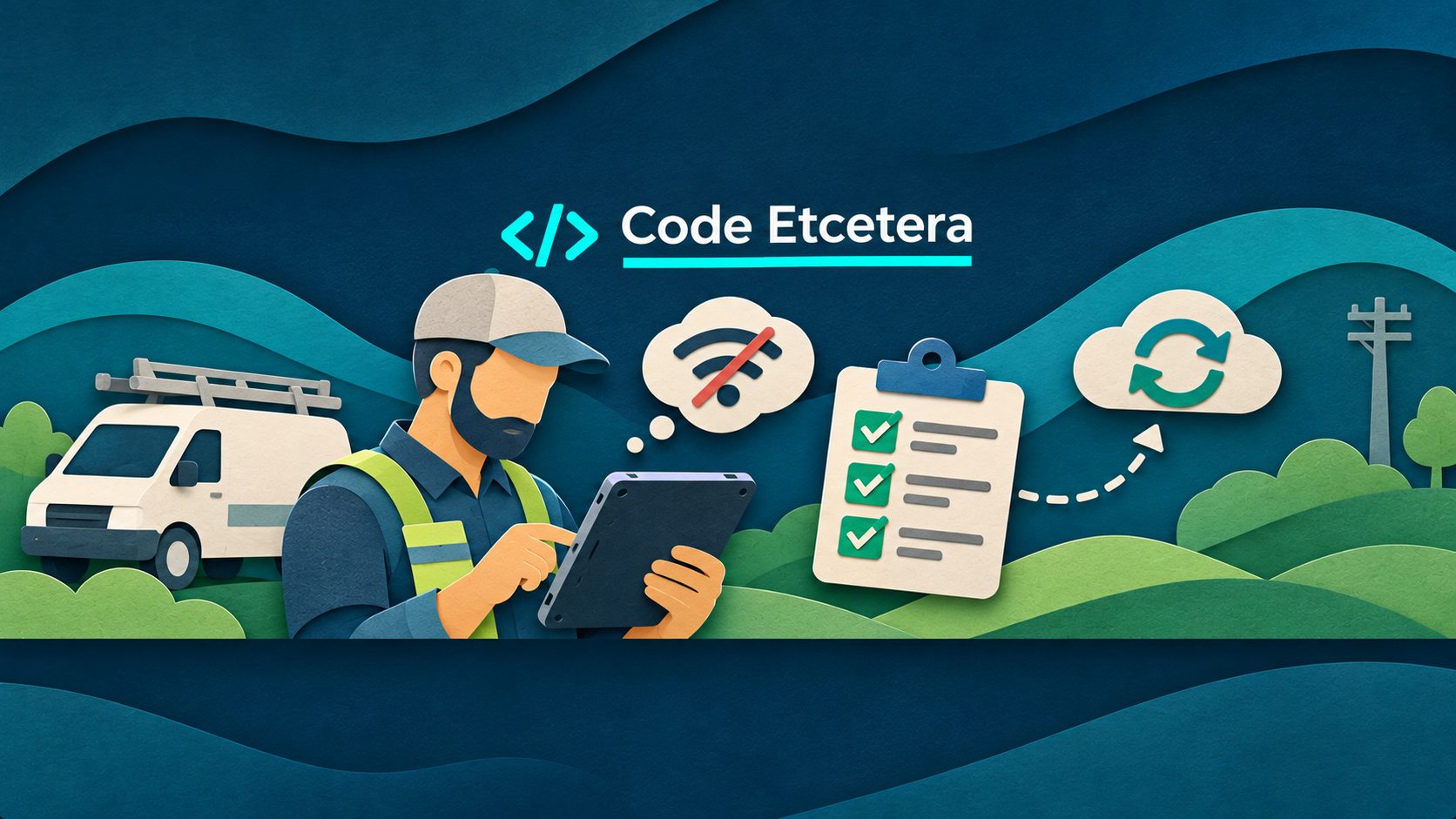
A technician finishes an inspection in a basement with no signal. A delivery driver completes a checklist in a rural area. A property manager takes photos inside a building where cellular service barely works. In each case, the work happened—but the app may not be able to send it yet.
For a small business, that gap can turn into duplicate entry, missing records, delayed invoices, and frustrated staff. An offline-ready mobile app can keep a carefully chosen part of the workflow moving without a reliable connection. The key is to start with the work that genuinely needs to happen offline, not attempt to copy the entire back-office system onto every phone.
Start with one field task, not a whole offline platform
Ask your team: What must someone finish when the network disappears? The answer might be a service checklist, an inspection report, a delivery confirmation, or a collection of job-site photos. Choose one workflow with a clear beginning and end.
For example, a maintenance company could start with a technician who needs to open an assigned work order, record notes, mark checklist items, attach photos, and submit the completed visit. Customer billing, scheduling changes, and inventory reconciliation can remain online for the first version.
Decide what “works offline” actually means
Offline support is not one feature. It is a set of decisions about what the app can read, what it can save, and what happens when a connection returns.
- Read: Can the worker see the job details, address, checklist, and reference information already downloaded to the device?
- Capture: Can they save notes, answers, timestamps, and photos locally without losing progress?
- Submit: Does the app clearly say whether a record is saved on the device, waiting to upload, successfully synced, or needs attention?
- Recover: If the app closes, the phone restarts, or an upload fails halfway through, can the worker pick up without entering everything again?
A useful first release may support offline reading and draft capture while requiring a connection for final approval or payment. That is a legitimate business decision—not a failure to build a fully offline app.
Use a local draft and a visible upload queue
A practical pattern is to save field changes to durable local storage first, then send them to the server when connectivity permits. Each change needs an identifier so a retry does not accidentally create a second inspection or service visit. The app should show a clear state such as Saved on device, Waiting to sync, Synced, or Needs review.
Do not equate a Wi-Fi icon with successful delivery. A phone can report a network connection while the business API is unavailable. Confirm success from the server, and retain the local record until that confirmation is received. If an upload fails, keep it in the queue with a safe retry strategy and a useful error message.
Platform guidance supports this approach: Android’s offline-first architecture guide discusses local data sources, queued writes, and conflict resolution. On iOS, Apple’s background-task guidance makes clear that background execution is scheduled and limited, not an always-running guarantee. Web apps can cache resources for offline use, but the Background Synchronization API is not supported across all major browsers. Design for reliable recovery when the user opens the app again instead of promising that every upload will happen immediately in the background.
Plan for two people editing the same job
Offline work introduces a question that ordinary online forms often avoid: what if the office changes a job while a technician is editing an older copy?
Do not automatically let the last device to reconnect overwrite everything. For a first release, identify which fields the field worker owns, which fields the office owns, and which changes require review. A technician’s inspection notes may be safe to append, while a revised appointment time or final approval status may need a conflict warning. Record the relevant version or change history so the team can resolve a disagreement without guessing.
If your systems already struggle to agree on customer or work-order identifiers, address that first. Our guide to stable identifiers across business systems explains why matching records matters.
Protect data stored on phones and tablets
Offline access means some business information lives on the device. Decide which fields are truly necessary, how long they should remain there, and what happens when a device is lost or an employee leaves. Use platform-appropriate protected storage, secure authentication, and a way to revoke future access. Avoid caching payment credentials or sensitive records merely because storage is available.
Also define what a signed-out or expired session can still display. The right balance depends on the business and the sensitivity of the information; it should be part of the requirements, not a surprise discovered during testing.
A small pilot with testable acceptance criteria
Rather than commission an expensive offline rewrite, scope a fixed project around one job type and a small group of users. A useful pilot could include:
- Download assigned work orders and their checklists before leaving coverage.
- Save answers and a limited number of photos locally.
- Show the status of each unsent record and offer a manual retry.
- Upload without creating duplicates after intermittent failures.
- Flag conflicting updates for a designated reviewer.
Then test real failure scenarios: turn on airplane mode before opening a job; lose the signal halfway through a form; force-close and reopen the app; restart the device; reconnect with a slow connection; submit the same record twice; and edit the same job from the office while the phone is offline. The pilot is successful when the team can explain exactly what was saved, what reached the server, and what still needs attention.
Before development begins, put those outcomes in a short scope document. Our practical requirements brief is a useful starting point.
When a part-time engineering engagement makes sense
You may not need a full-time mobile team to improve one frustrating field workflow. A focused consulting engagement can map the existing process, assess the current app and API, implement a limited offline pilot, and document how the business will support it. Ongoing part-time help may then be appropriate for testing new devices, refining synchronization rules, and improving the next workflow.
The budget depends less on the number of screens than on the hard edges: photo size, data sensitivity, conflict rules, integrations, and recovery from failed uploads. Keeping the first scope narrow makes those costs easier to estimate and the outcome easier to verify.
Make the next disconnected job less disruptive
Offline-ready does not have to mean a massive rebuild. Start with one essential field task, make local saves trustworthy, make synchronization visible, and test failure before rollout. That is often enough to remove a costly source of rework.
If your team relies on a mobile app in areas with unreliable connectivity, contact Code Etcetera to discuss a fixed-scope offline workflow assessment or an ongoing part-time engineering engagement. We can help identify the smallest useful improvement before you commit to a larger build.