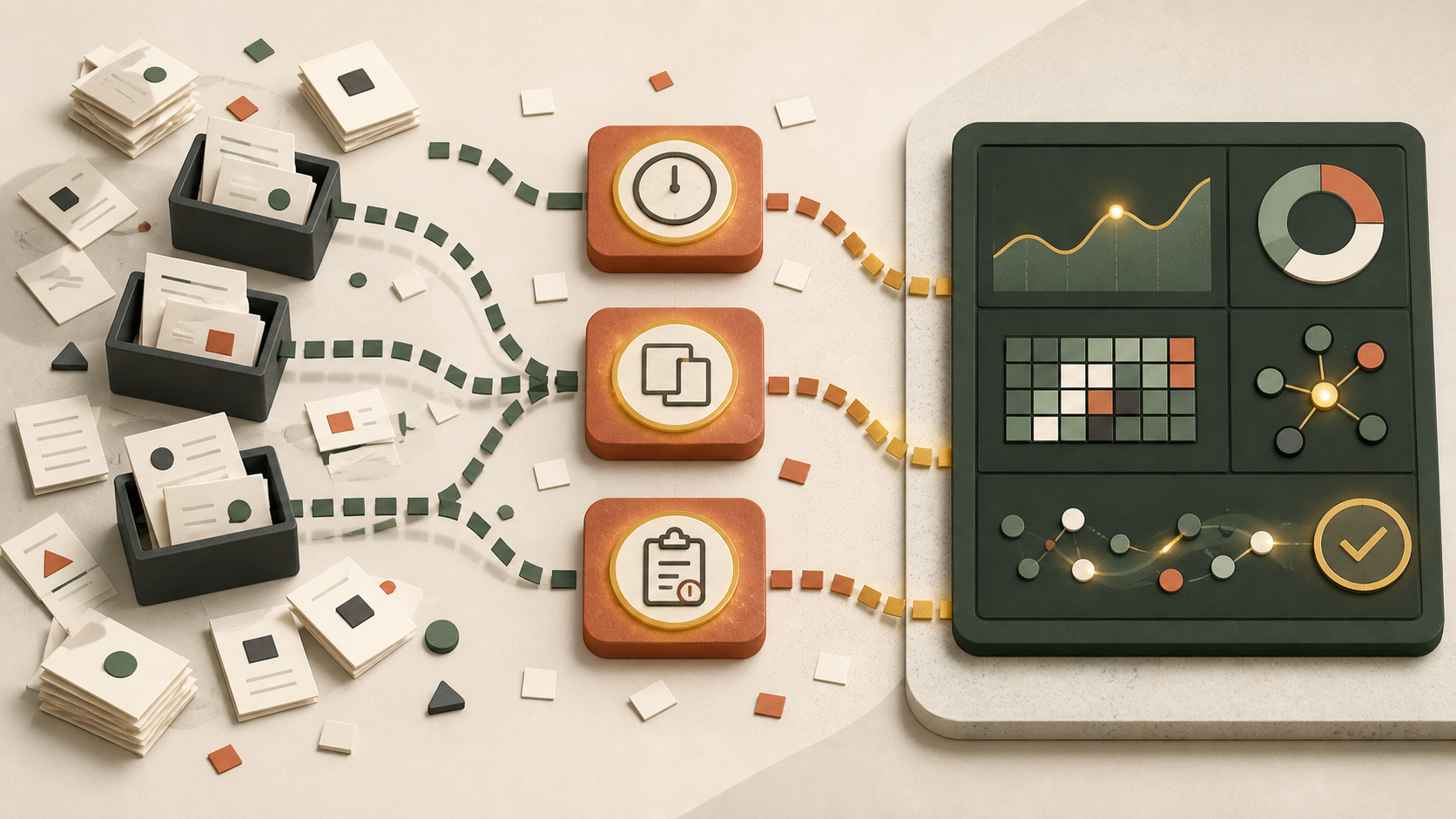
AI is often more useful as a flashlight than a fast lane
When a team talks about improving a workflow with AI, the first question is often, “What can we automate?” That question can be useful, but it arrives a little late. Before changing a process, it helps to understand where work is actually slowing down, repeating, or disappearing between people and systems.
AI assistants can help make those patterns easier to see. They can summarize support conversations, group similar requests, compare steps across documents, and flag records that appear to be waiting too long. Used this way, AI is not making operational decisions on its own. It is helping a team form better questions about the work it already does.
The most valuable findings usually are not dramatic. They are ordinary points of friction that compound over time: a handoff that requires someone to chase an update, information entered in two places, an approval with no clear owner, or an exception that quietly becomes the normal path.
Slow handoffs hide in the gaps between systems
A workflow can look efficient when each individual task is quick. The delay often lives between tasks. A sales note may sit until someone adds it to a project board. A form submission may wait for a person to decide which inbox owns it. A customer may receive no update because a status changed in one system but not another.
AI can review timestamps, status histories, message summaries, and work queues to highlight recurring waits. The point is not to treat every delay as a failure. Some review time is necessary. The useful distinction is between a deliberate pause and a pause that exists because the next person, rule, or system is unclear.
Start with one workflow that has a visible outcome, such as responding to new inquiries or preparing a client onboarding packet. Map the starting signal, each handoff, the systems involved, and the condition that marks the work complete. Then ask where the elapsed time is consistently larger than the work itself.
Duplicate entry is a signal, not merely an annoyance
Entering the same customer, order, or project detail in multiple places feels inefficient, but it also creates a reliability problem. Each re-entry creates another opportunity for an outdated value, a missing field, or a different interpretation of the same request. The team may compensate with spreadsheets, chat messages, and informal checks that are hard to see from a dashboard.
An AI assistant can compare descriptions, forms, and notes to identify fields that are repeatedly being reconstructed by hand. It can also help summarize which information people search for before they can continue. Those findings do not automatically justify an integration. Sometimes a simpler form, shared source of truth, or clearer ownership will solve the immediate problem. But they provide evidence for deciding whether an API integration or a focused custom tool is warranted.
Unclear ownership creates stalled approvals
Approval steps protect quality, budgets, and customer commitments. They become bottlenecks when no one knows who can approve, what information is required, or what happens when the usual reviewer is unavailable. AI can help categorize the reasons work is sent back, summarize common questions in approval threads, and surface items that have had no meaningful activity.
That should lead to a human review of the rule itself. Is the approval needed for every case? Could low-risk requests follow a defined path? Does the approver receive the context needed to make a decision? The goal is not to remove judgment. It is to make judgment easier to apply at the right moment.
Exceptions reveal the real workflow
Written process diagrams tend to show the happy path. The real workflow includes incomplete requests, unusual customer needs, missing permissions, and systems that do not agree. If people regularly add side notes, manually reformat a file, or ask the same clarifying question, the exception is worth studying.
AI-assisted clustering can help a team group these exceptions without reading every item from scratch. A manager might discover that many “one-off” requests are actually variations of a small number of patterns. That is useful input for a better intake form, a clearer policy, a reusable template, or a carefully bounded automation.
Validate the pattern with the people doing the work
AI output is a starting point, not an operating truth. Data may be incomplete, labels may be inconsistent, and a pattern can have an explanation that is invisible in the record. Review findings with the people who perform the workflow and ask what the data misses. They can distinguish a necessary exception from a workaround caused by a weak process.
Choose one finding to test. Define the current baseline in plain terms, make a small change, and agree on what would count as an improvement. This may be fewer follow-up messages, a shorter wait for a decision, or fewer records needing correction. Avoid promising a particular savings before the team has observed the result.
Good workflow improvement is less about adding AI everywhere and more about making one important path easier to understand and maintain. Next step: Schedule a short consultation to identify the next useful improvement.