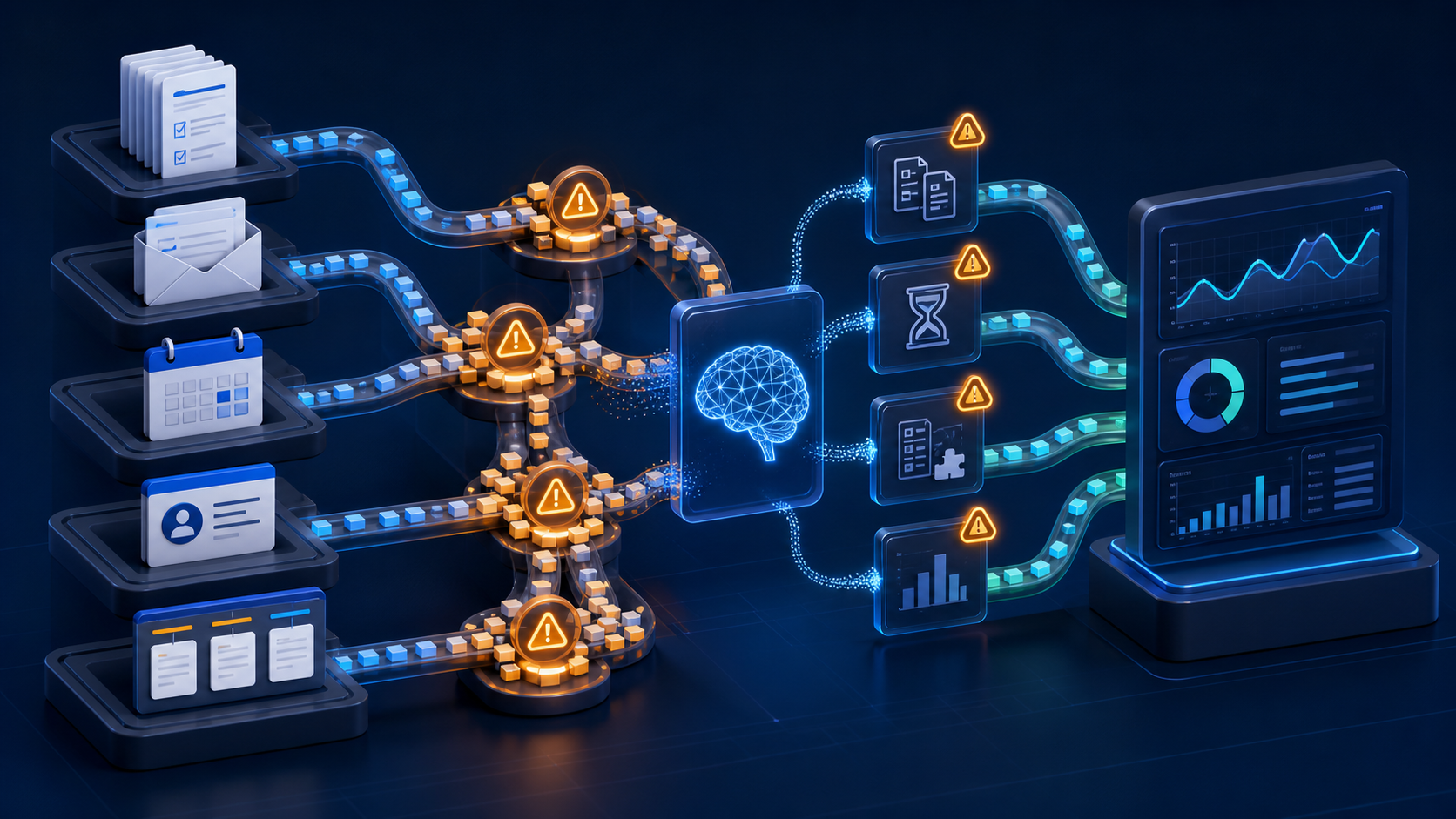
Start by finding where work actually waits
When a team says a process is slow, the first instinct is often to automate the visible task. That can help, but it can also move the problem somewhere else. A form may be completed quickly while the request still waits for missing information. A report may be generated automatically while someone still has to reconcile duplicate records before using it. A customer request may be routed immediately but sit in an unowned queue.
AI can be useful at this earlier stage: helping a business surface where work is waiting, repeating, or becoming uncertain. It can summarize patterns across requests, classify recurring exceptions, compare handoffs, and point out gaps that are difficult to see one ticket or spreadsheet row at a time. The goal is not to let an assistant diagnose the business in isolation. The goal is to give the people who know the process a clearer picture of where to look.
Duplicate data entry hides the real cost of a process
One common bottleneck is entering the same information in more than one system. A sales inquiry might begin in a web form, be copied into a CRM, repeated in a project tracker, and then summarized again in an internal email. Each step may take only a few minutes, but repeated entry creates delays and introduces small differences between records.
AI can help compare the fields and notes that move between systems, then flag where people are repeatedly translating or retyping the same information. That does not automatically mean every system should be connected. Sometimes a simple field cleanup or a shared intake format is enough. In other cases, the pattern points to an API integration or a small internal tool. The useful finding is the repeated work itself, not a predetermined technology choice.
Approval queues deserve more than a reminder email
Approvals are another frequent source of delay. A request may need a manager, finance contact, technical reviewer, or customer to make a decision before the next step can begin. The work can appear to be progressing because the task exists in a system, while the actual outcome is waiting on someone who has not seen the request or does not have enough context to decide.
An AI assistant can help group approvals by age, type, owner, or missing context. It can prepare a concise review brief that links back to the source record and makes the required decision clear. For example, it might show that a particular request type usually waits because pricing details are absent, or that a certain handoff is delayed when the requester does not specify a deadline. Those are process findings a team can act on: clarify the intake form, define a backup reviewer, or establish an escalation rule.
Missing information creates exception-heavy work
Many workflows are designed around a happy path with complete information. Daily operations are usually messier. A customer record may lack a contact method. A service request may not include the affected system. A project task may have no owner or due date. The team then spends time chasing details, reopening tickets, or making assumptions.
AI can categorize these exceptions and show which missing fields occur most often. It can also draft a follow-up question or summarize what is already known, leaving a person to decide what should be requested next. This is especially helpful when the same type of incomplete request arrives through several channels. Instead of treating every exception as an isolated annoyance, the business can see whether one change to a form, checklist, or integration would prevent it.
Handoffs reveal unclear ownership
Work rarely stays with one person from start to finish. It moves between sales, operations, support, finance, technical teams, and outside vendors. A handoff becomes a bottleneck when nobody is clearly responsible for accepting the work, when the next team cannot see the prior context, or when the status labels mean different things to different people.
AI-assisted analysis can summarize the path a request takes and identify where it changes owner most often or spends the longest time between steps. That information should be checked against the team’s experience. A long pause may be appropriate for a customer decision, while a short but repeated pause between internal teams may show a real gap. The next improvement could be as small as a better status definition, a required handoff note, or a notification that goes to the right role rather than a broad inbox.
Queue volume is not the whole story
A large queue gets attention, but a small queue can cause more damage if it contains high-impact work. AI can help organize requests by type, urgency signals, customer impact, or dependencies so a team can distinguish routine volume from work that is quietly blocking a project or customer outcome.
This should not be treated as an automatic prioritization system. Teams still need clear rules for what is urgent and who can change that order. The value is in making the tradeoffs visible. If one type of request regularly interrupts planned work, the business can decide whether to create a service level, reserve capacity, or improve the upstream process that creates those requests.
Turn the finding into one small improvement
After a bottleneck is identified, resist the urge to automate the entire operation. Pick one measurable improvement. It might be eliminating a duplicate entry, adding a required field, creating a review queue with source context, or connecting two systems through a limited API integration. Define what should improve and how the team will tell whether it did.
Keep people involved where the decision has customer, financial, or operational risk. AI can prepare summaries, surface patterns, and draft next steps, while the team confirms the process change and reviews the results. That approach produces a more durable workflow than an impressive-looking automation that no one can troubleshoot later.
Next step
Choose one process that creates recurring follow-up, waiting, or rework. Map the steps, note the handoffs, and look for the information people repeatedly have to find or re-enter. Contact Code Etcetera to review whether your current systems are ready for practical automation.